Early in April, 2011 Microsoft made available the new, Photosynth, interactive panorama photo capture and sharing tool.
Available to iOS 4+ users via the iTunes store, Photosynth is easily and fast to install and get up and running with. Much easier to use than most other panorama apps that I’ve encountered, plain and simple, Photosynth just works! For the user, once the app is loaded for the first time, the full functionality can be obtained by connecting the app to a Microsoft Passport account as well as facebook for the full social sharing experience. From there, the user simply uses the camera to quickly create panoramas and then share with the World.
Using the app, the user ensures that location services are enabled on the device (in the settings), activates the camera, hits "start capture", then slowly pans the camera capturing the desired images with the camera. Once the full scene is captured the app goes to work stitching photos together into an amazing mosaic. Upon completion of the image the user can optionally save the image with a description, upload to the Photosynth website (connected to the user MS Passport login), share on Bing maps, and share with friends via facebook.
Photosynth is compatible with iPhone 3 GS, iPhone 4, iTouch (4th gen), and iPad 2, requiring iOS 4+.
Photosynth Capture and Creation on iPhone

The first step in using the app is to simply tap the device screen to start and slowly pan to capture/save the desired area to the screen.
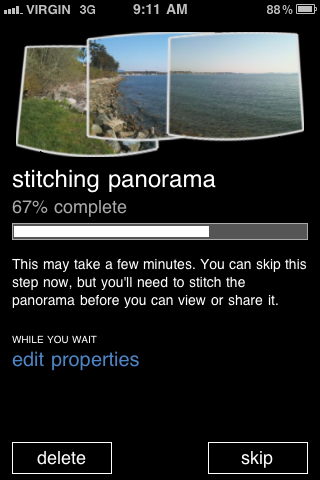
Once the desired image scene is captured the user stops capture (end) and Photosynth will stitch together the images into a panorama. Compared to many apps this process is relatively fast – the above scene saved over 3G in about 10 seconds.
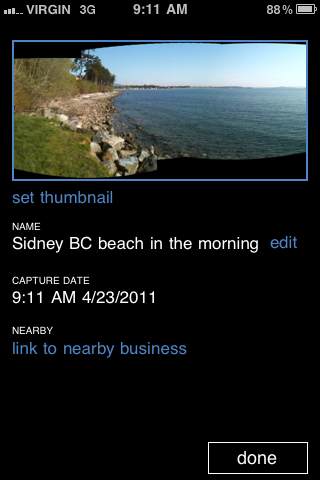
Once complete the user can optionally add details, like a descriptive file name. For businesses, an interesting option is to assign the panorama to a nearby business. Invoking this will bring up a POI database to link the image to.
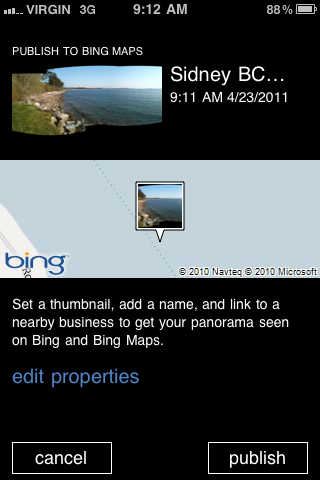
The user can optionally upload and share the panorama with Bing Maps. Zooming to the area on Bing Maps, users will see an icon/thumbnail of the panorama.
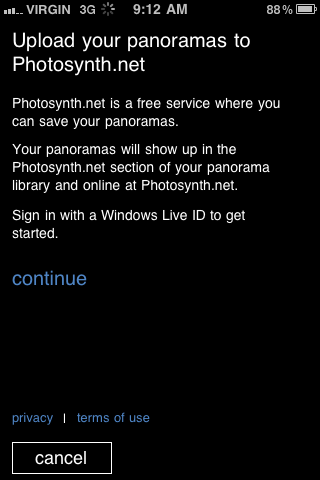
For the user, all panoramas created can be stored conveniently online at Photosynth.net.
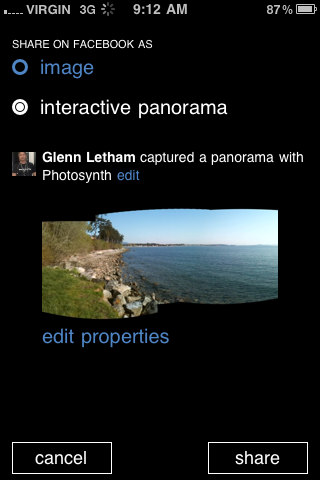
Opening the panorama on the mobile or the web app, the user can elect to share the scene on facebook at any time.
The Photosynth service gets really cool for users when they get back to the PC envinronment and hit Photosynth.net. From there a user can create and log-in to their account (where all synths are stored). Synths from users around the Globe are available for viewing and searchable by type (forests, bridges, beach views etc…)
Users of Photosynth are encouraged to create an account. This is where all synths will be archived. Users then can add additional information to Synths such as detailed description and keywords. From the account page a Synth can be shared to facebook or sent via email and embed code is also made available enabling quick and simple embedding of synths onto a blog or website (See below for example)
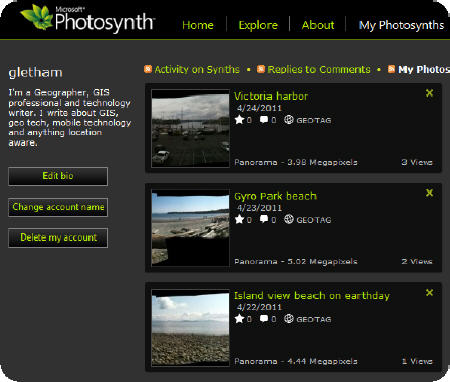
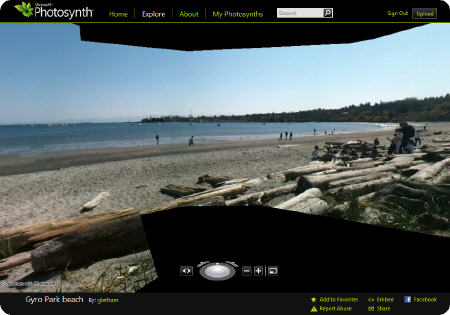
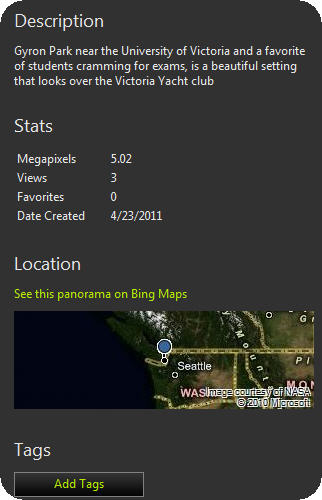
Finally, users can add a detailed description to associate with the Synth available to Bing Maps users who click through to the Synth
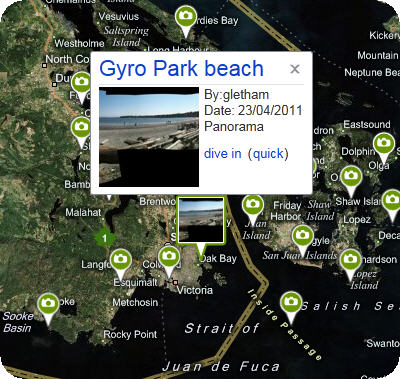
Using Bing maps, notice all the photos and the Photosynth image that are available for viewing.
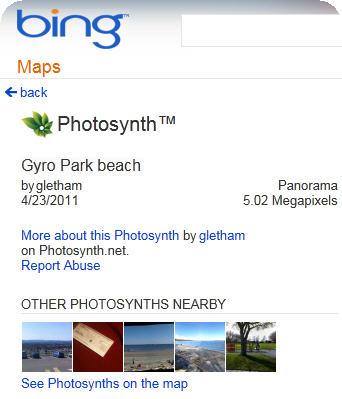
Clicking on a Photosynth icon reveals additional information about the user/owner of the image (see above). Note, you may not wish to share this information openly so be careful what you share! Notice above you can see my account name, click on it for more information, and view the panoramic image as well as the location and date of capture.