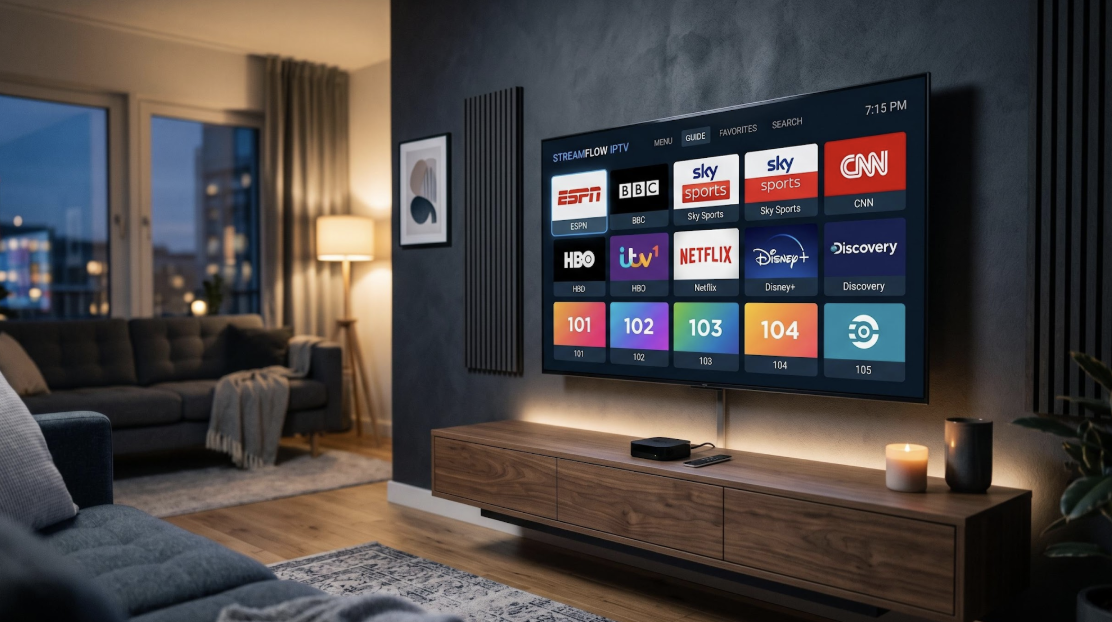
IPTV Smarters Pro is the most downloaded free IPTV player available right now. It runs on virtually every device you own, supports two login methods, and takes under five minutes to configure with an active subscription.
The app itself does not provide channels or content. It is a media player that connects to your IPTV service and organises live TV, movies, series, and catch-up content in a single interface. This guide covers installation on every major platform, full configuration steps, EPG setup, VPN compatibility, and fixes for the most common errors.
What Is IPTV Smarters Pro?
IPTV Smarters Pro is a free OTT and IPTV media player built by Tech Smarters Private Limited. It accepts two credential formats: Xtream Codes API (the standard login method used by most providers) and M3U URL playlists. Both connect the app to your provider’s content servers.
No content is hosted within the app. You need an active IPTV subscription to watch anything. Your provider supplies either an Xtream Codes login (username, password, server URL) or an M3U playlist link. Download is free across all platforms.
Key Features of IPTV Smarters Pro
The app covers everything an IPTV player needs to deliver:
– Live TV: Channels sorted by category, country, or your own favourites list
– VOD: A full library of movies and series available on demand
– Catch-Up / Replay: Re-watch content that already aired, provided your subscription supports it
– EPG (Electronic Program Guide): A built-in schedule showing current and upcoming programs
– Multi-screen: View two or more channels at once in split-screen mode
– Parental controls: PIN-lock specific categories or content types
– External player support: Route playback through VLC, MX Player, or any other installed player
– Dual login methods: Both Xtream Codes API and M3U URL are fully supported
How well the app performs depends largely on the IPTV provider behind it. A service with fast, stable servers and consistent uptime makes a measurable difference. Dutch viewers often pair the app with IPTV Smarters NL for this reason, as the provider carries 30,500+ live channels, 150,000+ VOD titles, and maintains a 99.9% uptime guarantee. More on choosing a provider further in this guide.
Supported Devices
IPTV Smarters Pro runs on:
– Android phones, tablets, and Android TV boxes
– Amazon Firestick and Fire TV
– iPhone and iPad (iOS)
– Apple TV
– Samsung and LG Smart TVs
– Windows PC
– Mac (macOS)
Installation differs slightly by platform. The sections below walk through each one individually.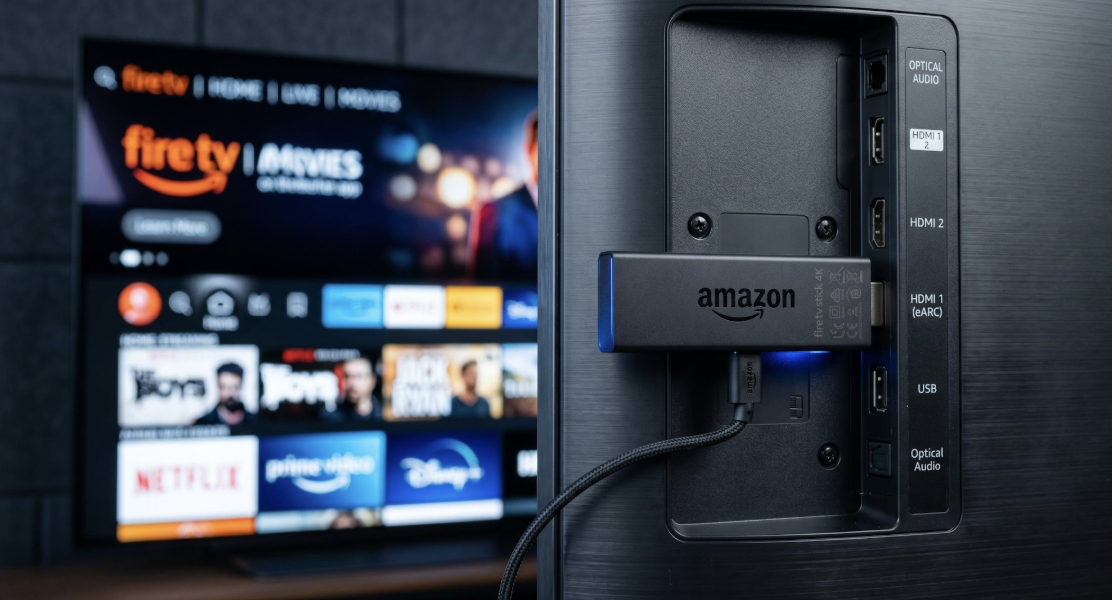
How to Install IPTV Smarters Pro on Android
Android is the simplest platform. Open the Google Play Store, search for “Smarters IPTV Player,” and tap Install. The Play Store listing uses that name rather than “IPTV Smarters Pro.”
After installation, open the app and choose your profile type (TV or Mobile). You can then add your subscription credentials from the home screen.
How to Install IPTV Smarters Pro on Firestick
Amazon’s App Store does not carry IPTV Smarters Pro directly. Sideloading through the Downloader app is the standard method.
Step 1: Enable Unknown Sources
Go to Settings > My Fire TV > Developer Options > Install Unknown Apps and toggle it on for the Downloader app.
Step 2: Install Downloader
Search for “Downloader” in the Amazon App Store and install it.
Step 3: Enter the APK download URL
Open Downloader, tap the address bar, and type the official IPTV Smarters APK URL. The current download link is listed on the official IPTV Smarters website (iptvsmarters.com) under their Downloads section.
Step 4: Install the APK
Downloader will fetch the file and prompt you to install. Tap Install and wait for confirmation.
Step 5: Open and configure
Launch the app, select TV mode, and enter your subscription credentials using the setup steps below.
The entire process takes between 5 and 10 minutes.
How to Install IPTV Smarters Pro on iPhone and Apple TV
Open the App Store on your iPhone or iPad and search for “Smarters IPTV.” The app is published by Tech Smarters Private Limited. Tap Get to install.
If it does not appear in your regional store, you may need to switch to the US or UK App Store temporarily. Change your region through Apple ID account settings, or use an Apple ID registered to a supported region.
Apple TV follows the same process. Open the App Store on the device, search for “Smarters IPTV,” and install.
How to Install IPTV Smarters Pro on Samsung and LG Smart TV
Samsung:
Open Smart Hub and navigate to Apps. Search for “Smarters” and install directly. If the app is not available in your regional store, you can sideload it by placing the APK on a USB drive and using the TV’s built-in package installer.
LG:
Open the LG Content Store and search for “Smarters IPTV.” On TVs running webOS 6 or later, the app is available in most regional stores. Install it the same way you would any other app.
If neither store returns results, the issue is the regional app catalogue rather than the app itself. The USB sideload method works as a fallback on most Samsung and LG models.
How to Install IPTV Smarters Pro on Windows and Mac
Windows:
Open the Microsoft Store, search for “Smarters IPTV,” and install. A standalone Windows installer is also available from the official IPTV Smarters website if you prefer to skip the Store.
Mac:
IPTV Smarters Pro is not listed on the Mac App Store. Download the macOS installer directly from iptvsmarters.com and run it.
How to Set Up IPTV Smarters Pro with Your Subscription
Once installed on any device, the configuration process is the same.
Step 1: Open the app and tap “Add User.”
Step 2: Select your login method:
– Xtream Codes API (recommended): Enter the username, password, and server URL from your IPTV provider. This method also loads your EPG automatically.
– M3U URL: If your provider supplies a playlist link rather than individual credentials, select M3U URL and paste the link.
Step 3: Tap “Add User” or “Save.” The app connects to the server and loads your channel list.
Step 4: Browse Live TV, VOD, or Series from the main menu.
IPTV Smarters NL delivers credentials by email within 5 minutes of purchase, and setup takes another 1 to 2 minutes after that. Most providers follow a similar delivery process, though speed varies.
How to Configure EPG in IPTV Smarters Pro
EPG stands for Electronic Program Guide. It shows what is currently airing and what comes next on each channel, similar to a traditional TV guide.
If you logged in with Xtream Codes API, EPG loads automatically. No extra steps are needed. Should the guide times appear incorrect, go to Settings and adjust the EPG Time Offset to match your local timezone.
M3U URL users need to add an EPG source manually. Your IPTV provider should supply an EPG URL alongside the playlist link. Navigate to Settings > EPG Sources, enter the URL, and tap Update.
To refresh EPG data at any point, go to Settings > EPG > Force Refresh. This re-downloads the schedule and corrects missing or outdated program listings.
Does IPTV Smarters Pro Work with a VPN?
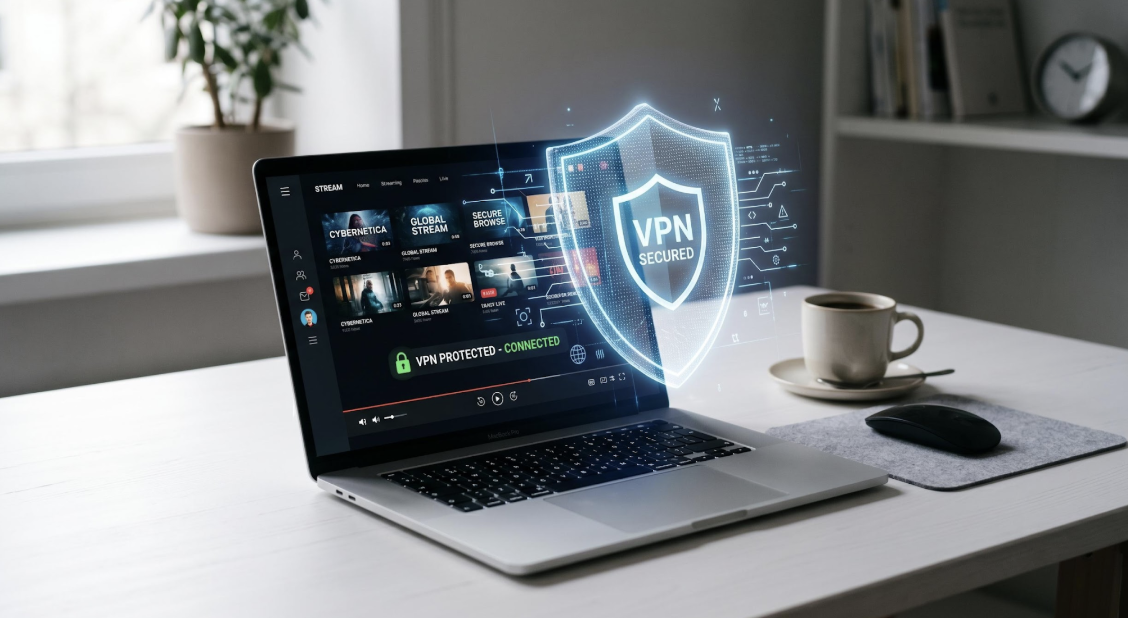
Yes. The app works with any VPN service without issues.
Two common reasons to add a VPN: protecting your streaming traffic from ISP monitoring, and accessing content that may be restricted in your region.
Connect the VPN at the operating system level rather than through any in-app toggle. Start the VPN before opening IPTV Smarters Pro, and all app traffic routes through it automatically. OS-level connections are more stable and work consistently across device types.
Speed is the main consideration. HD playback requires at least 10 Mbps and 4K needs 25 Mbps or more. If buffering starts after enabling a VPN, switch to a server in a geographically closer location to reduce latency.
Common Problems and Fixes
Buffering during playback
Test your connection speed first. HD streaming needs at least 10 Mbps; 4K requires 25 Mbps or higher. Switch from Wi-Fi to a wired Ethernet connection if possible. If speeds are sufficient, the problem likely sits on the provider’s server side.
Login or authentication error
Check every character of your credentials carefully. Passwords are case-sensitive and server URLs should not include a trailing slash. Confirm with your provider that the subscription is still active.
EPG not loading or showing wrong times
Use Force Refresh under Settings > EPG. If schedule times are off, adjust the EPG Time Offset. M3U users should verify that their EPG URL is still valid with their provider.
App crashes on launch
Clear the app cache through your device’s settings. If the problem continues, uninstall completely and reinstall.
Black screen during playback
Switch to an external player in the app settings. Select MX Player or VLC. Some stream formats are incompatible with the built-in decoder, and an external player resolves this in most cases.
IPTV Smarters Pro vs Other Players
| Feature | IPTV Smarters Pro | TiviMate | VLC | XCIPTV |
| Price | Free | Free (premium upgrades available) | Free | Free |
| Platforms | Android, iOS, Windows, Mac, Smart TV, Firestick | Android TV only | All platforms | Android only |
| Interface | Clean and functional | Premium and polished | Basic | Modern |
| Best for | Cross-platform users | Android TV power users | Testing streams | Android-only users |
IPTV Smarters Pro is the only player in this group with native support on all major platforms. TiviMate offers a more polished interface but is restricted to Android TV. VLC is a general media player rather than a dedicated IPTV client. XCIPTV works well on Android but does not extend beyond it.
For households with multiple device types, IPTV Smarters Pro is the practical choice. You learn one interface and it works on every screen.
What IPTV Subscription Works Best with IPTV Smarters Pro?
The player performs only as well as the subscription powering it. A provider with fast servers and reliable uptime produces smooth playback. A weak provider produces buffering regardless of which app you use.
When comparing providers, focus on these criteria: uptime percentage (99% or higher), Xtream Codes API support, automatic EPG, VOD library depth, and responsive customer support.
For viewers in the Netherlands and Belgium, IPTV in Nederland with IPTV Smarters NL is a well-established option that meets all of those criteria. The service offers 30,500+ live channels, 150,000+ films and series, 4K and FHD streaming quality, and a 99.9% uptime guarantee. IPTV Smarters NL has been operating since 2011, supports iDEAL, Klarna, and Bancontact payments, and sends credentials within 5 minutes of purchase. Multi-screen plans for 2, 3, or 4 simultaneous devices are available for larger households.
Frequently Asked Questions
Is IPTV Smarters Pro free?
Yes. The app is completely free on all platforms. The only cost is your IPTV subscription, which you purchase separately from a provider.
Do I need a subscription to use IPTV Smarters Pro?
You do. IPTV Smarters Pro is a media player, not a content provider. Without login credentials from an IPTV service, the app has nothing to load.
Does IPTV Smarters Pro work on all devices?
Yes. Android, iOS, Firestick, Samsung Smart TV, LG Smart TV, Windows, and macOS are all supported. Installation steps differ by platform, but the same app and account work across all of them.
Does IPTV Smarters Pro work with a VPN?
Yes. Connect your VPN at the operating system level before launching the app. Choose a server close to your physical location for the best speed, and make sure your connection stays above 10 Mbps for HD or 25 Mbps for 4K.
What is the difference between IPTV Smarters and IPTV Smarters Pro?
IPTV Smarters Pro is the current version from the same developer, Tech Smarters Private Limited. The Pro release introduced multi-screen playback, parental controls, catch-up/replay support, and a refined interface that the original version lacked.
How do I fix buffering in IPTV Smarters Pro?
Check your connection speed first. HD requires at least 10 Mbps and 4K needs 25 Mbps or more. If Wi-Fi is unstable, switch to wired Ethernet. When speeds are already adequate, the issue is most likely on the provider’s server side rather than the app or your connection.
Is IPTV Smarters Pro legal?
The app itself is legal. It functions as a media player, similar to VLC or Kodi. Whether your IPTV usage is legal depends entirely on the subscription you pair it with. A provider distributing licensed content operates legally. One that bypasses copyright protections does not.
IPTV Smarters Pro is the most practical free IPTV player for anyone streaming on more than one device. Its cross-platform reach, straightforward setup, and support for both Xtream Codes and M3U make it the standard starting point for most IPTV users. Pair it with a reliable subscription, and you have a complete streaming setup for every screen in your home.