A few social media and social sharing tips for you web masters.
A number of useful sharing resources have been rolled out enabling content creators to extend and share their content. Some of the tools announced this week include:
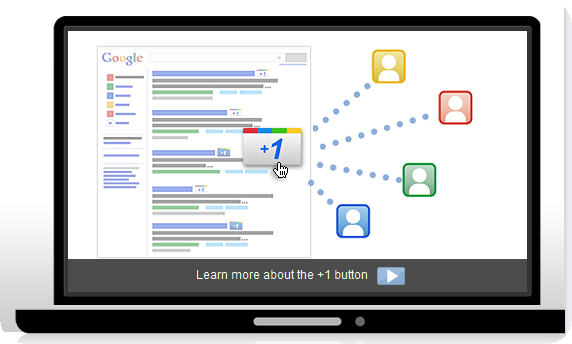
- The Google +1 Button (think Like)
- A new Twitter follow button enabling fast follow on twitter without the need for a tedious login
- LinkedIn Share, providing your readers with a once-click share with linkedin feature
- keep reading for the code and instructions…
All of this new functionality has been added here to the AnyGeo blog (see to the right in the sidebar section titled “Connect!” and try them for yourself). Note, the Google +1 seems to only work for readers using Google Chrome web browser.
Want to implement these features on your website or blog? The following developer tools and resources should help you to quickly add the functionality to your website – Note: all are very simple to add and required only some simple copy/paste and very little customization.
How to add Google +1, Twitter follow, and LinkedIn share
New Twitter follow button – See this resource made available by Twitter and scroll down to the section titled, Add the follow button to your website to enable your readers to quickly follow you. All you need to do is replace your twitter @username in the code and then you can optionally customize if desired.
LinkedIn Share button – LinkedIn has a publishers resource that includes a special page dedicated to this tool. Simply select a button style, grab the code, copy and paste into your website, it’s that simple!
Add Google +1 button – Google has created a resource specifically for the new +1 feature. You may have to hunt around for the required code (I found the code via link through google adsense). Note, this Mashable article also has some great info and the required code)
For the required code, see this TXT document ( see sharebuttons1.txt )and copy and paste code according to the instructions.
You may be thinking, big deal, but I don’t have a blog. That’s understood, however, even if you develop some cool webmapping services or other WMS you should think about including some form of social sharing with your app so be sure to add one or all of these options for your site users.
I hope you find this useful… if so, please do give this post a +1, a like, or a tweet – Thanks ;0)
