Designers and visual artists who teach face a unique challenge. Their students expect content that looks as good as the principles being taught. A graphic design professor who delivers lectures through shaky webcam recordings or text-heavy slides creates a cognitive dissonance — the medium undermines the message. The content may be excellent, but the delivery says “I do not practice what I preach.”
AI lecture video generation tools are addressing this gap by producing visually polished, professionally designed video content from existing teaching materials. For educators in design, visual arts, and creative fields, these tools offer something that traditional lecture capture never could: output that matches the visual standards of the discipline being taught.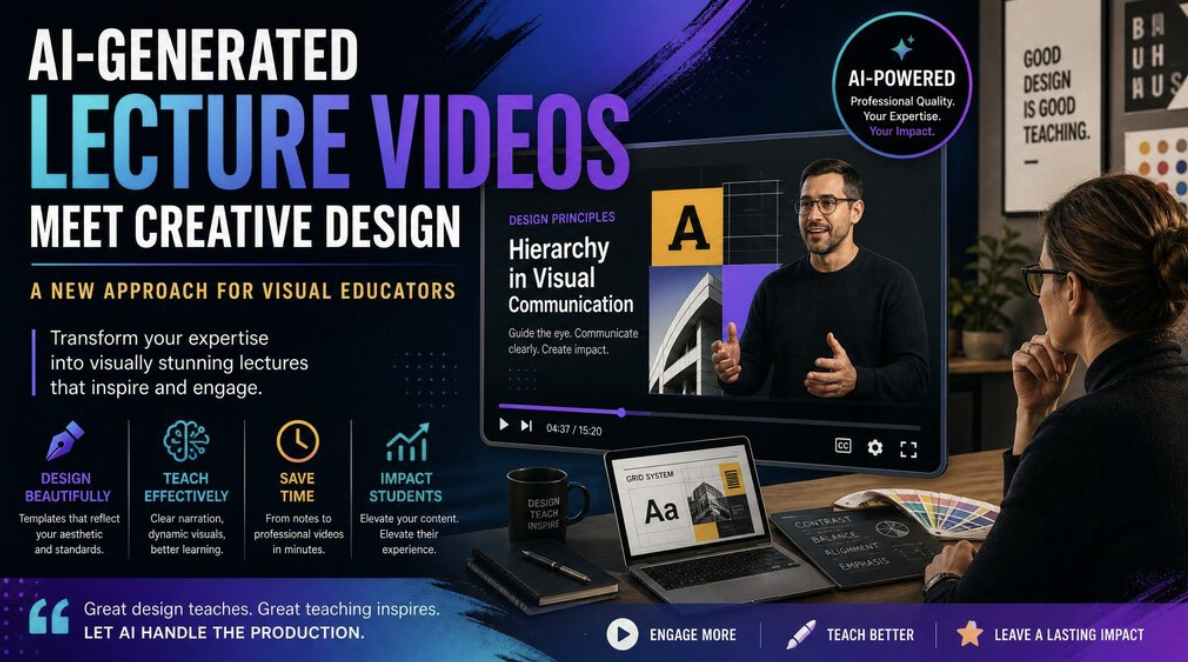
Why Visual Educators Need Better Video Tools
Design educators teach visual communication. Their entire discipline revolves around principles like hierarchy, balance, contrast, typography, and intentional use of space. When these educators create lecture content using basic tools — a webcam pointed at a whiteboard, a screen recording of a slide deck — the visual quality of the output contradicts the principles they are teaching.
This is not vanity. Studies on multimedia learning show that visual quality directly impacts learning outcomes. Well-designed educational materials reduce cognitive load, improve information retention, and increase learner engagement. For design students in particular, the aesthetic quality of instructional content influences their perception of the instructor’s credibility and the rigor of the program.
The Production Dilemma
Design educators certainly have the skills to create visually stunning video content. The problem is time. A design professor who is also teaching five classes, advising thesis students, maintaining their own creative practice, and serving on faculty committees does not have the bandwidth to also become a video producer. The few hours available for content creation need to go toward developing the curriculum itself, not wrestling with video editing software.
How AI Video Generation Serves Creative Educators
AI lecture video tools can generate lecture videos automatically from uploaded documents and presentations. For visual educators, the key benefits are twofold: the production quality meets professional standards without requiring manual video editing, and the visual output can be customized to match the aesthetic standards of the discipline.
Template-Based Visual Systems
AI video platforms offer template systems that control the visual design language of the output — typography choices, color palettes, layout grids, and transition styles. Design educators can select or customize templates that reflect contemporary design principles, ensuring that the video output feels intentionally designed rather than generically produced.
More advanced platforms allow integration of brand kits — custom logos, specific color values, and typography selections — that ensure every video in a course series maintains visual consistency. This is particularly valuable for design programs that want their educational content to reflect institutional brand standards.
AI-Generated Visual Assets
Some platforms include AI image and video generation capabilities, allowing educators to create custom visual assets from text descriptions. A design history professor can generate images that illustrate specific design movements. A typography instructor can create visual examples of different type classifications. These AI-generated assets supplement the educator’s own examples and provide visual variety without requiring stock photo searches or manual asset creation.
Dynamic Animation and Motion
Static presentations are the default in most educational video. AI video platforms add motion through animated text reveals, progressive content builds, smooth transitions between sections, and dynamic data visualizations. For design educators, these motion elements demonstrate the principles of motion design and temporal hierarchy that are increasingly important in digital design practice.
Practical Applications
Design History and Theory Lectures
Art and design history lectures are often image-heavy, requiring careful sequencing of visual examples alongside contextual narration. AI video generation handles this well — the educator provides structured notes with image references, and the AI creates a narrated visual presentation that reveals each example at the appropriate moment in the narrative.
Software Tutorial Supplements
Design education involves significant software instruction — Figma, Adobe Creative Suite, and other tools. While screen recordings remain the primary format for software demonstrations, AI-generated videos serve well as conceptual introductions that precede hands-on tutorials. A video explaining design thinking methodology sets the context for a practical Figma workshop without requiring the instructor to record a separate introductory lecture.
Critique and Feedback Frameworks
Design educators spend significant time teaching students how to give and receive critique. Converting written critique frameworks and rubrics into video format creates reusable resources that students can reference throughout their program. The AI presenter can walk through criteria, show examples, and explain the rationale behind evaluation standards.
Maintaining Creative Authority
A legitimate concern for creative educators is whether AI-generated content feels authentic to their teaching voice. The key is to treat AI as a production tool, not a creative collaborator. The educator provides the content, the expertise, the perspective, and the pedagogical structure. The AI handles the production mechanics — narration delivery, visual layout, motion design, and rendering.
This division mirrors how creative professionals already work in practice. A designer uses tools like Figma, After Effects, and InDesign — they do not build their own software from scratch. AI video generation is another tool in the production toolkit, one that handles the labor-intensive aspects of video creation while leaving the creative and pedagogical decisions to the educator.
Getting Started
Design educators interested in exploring AI lecture video generation should start with a single lecture — ideally one that is primarily conceptual rather than demonstration-based. Upload the lecture notes or slides, configure the visual template to match your aesthetic preferences, and evaluate the output. The initial result will likely need refinement — adjusting narration pacing, swapping images, fine-tuning visual elements — but the total time investment will be dramatically less than traditional video production.
For design programs considering broader adoption, the economics are compelling. A course of 30 lectures can be converted to professional-quality video in a fraction of the time and cost of traditional production, freeing faculty time for the high-value activities that no AI can replace: mentoring students, providing individual feedback, and maintaining their own creative practice.